Refresh workspace screenshots
Capture the real React workspace with fixed synthetic responses. No account, provider, production backend, or stored browser session is used. These images illustrate the interface, not live service availability or complete feature acceptance.
Workspace gallery
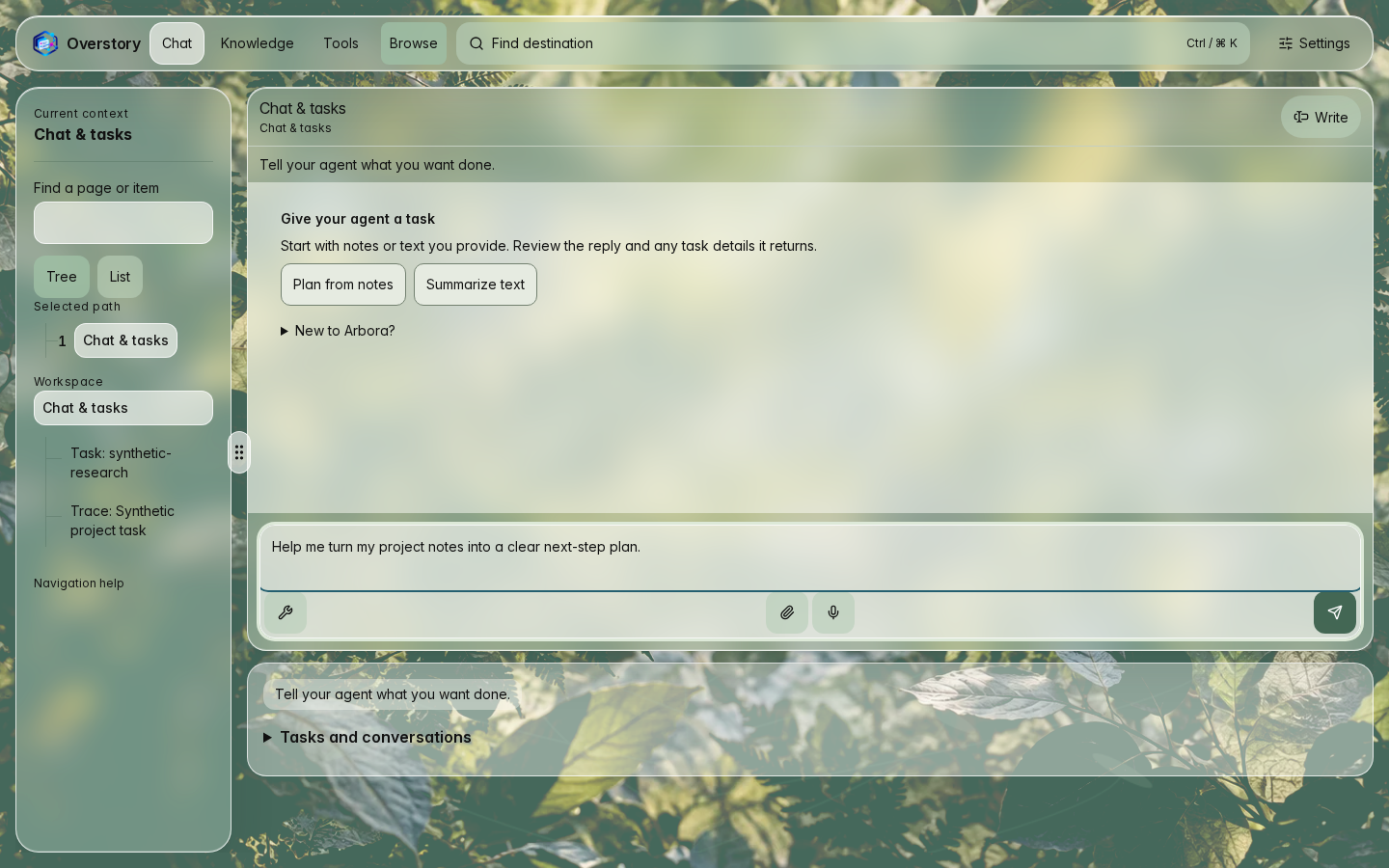
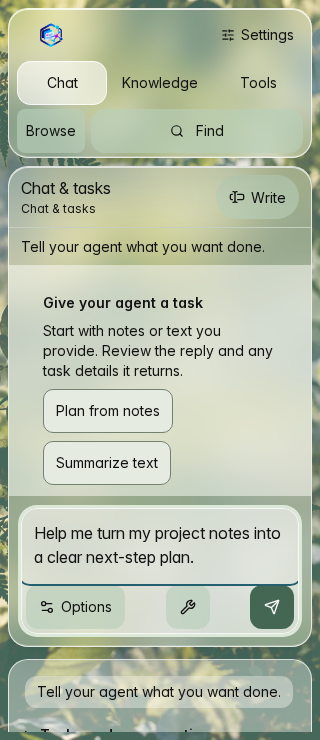
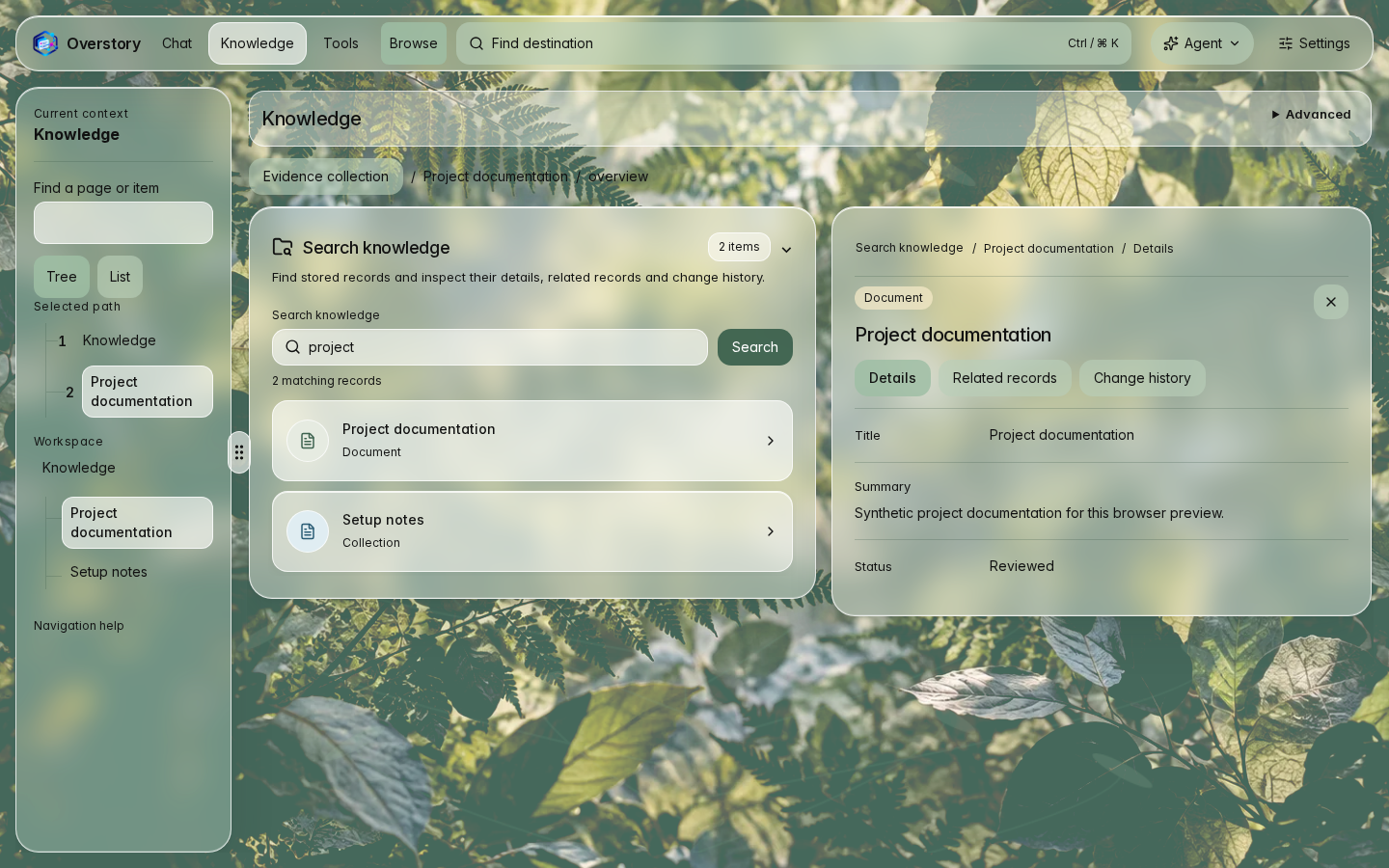
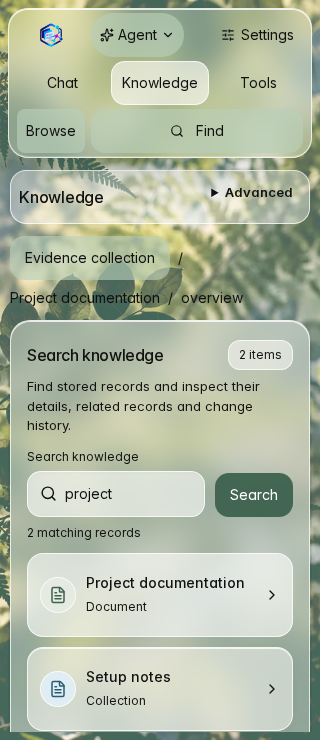
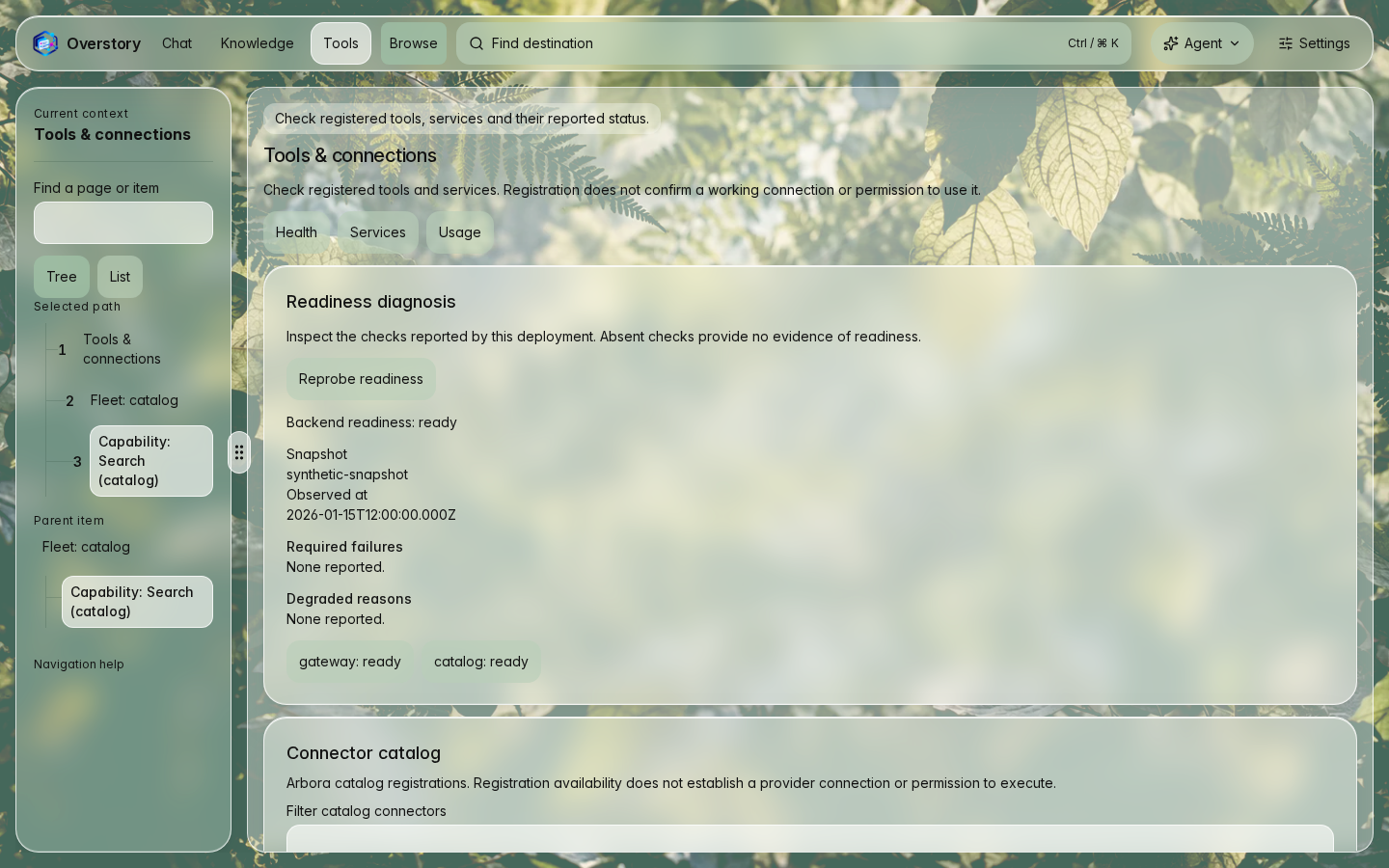
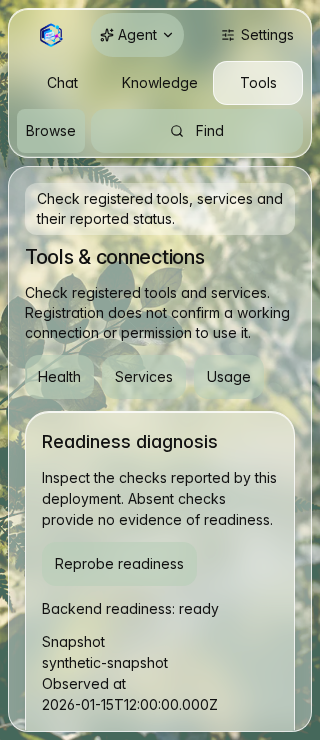
These browser captures show the accepted green glass interface with synthetic fixture data. They do not show live accounts or establish provider availability. Each pair shows the initial viewport at 1440 × 900 and 320 × 740 pixels. These static captures use reduced motion. They do not demonstrate animation playback or imply that animation is disabled by default. Chat is the primary conversation surface. Knowledge and Tools retain an expandable contextual assistant. Task panels scroll beyond the initial viewport.
Open Settings for theme, glass or opaque surfaces, and privacy choices. See the design system for tokens and accessibility limits.
Chat and tasks
The composer contains an unsent draft, not a completed live chat. Disabled starter actions preserve that draft. Tasks and conversations are below the composer; narrow captures show only the initial viewport.
Knowledge
These fixtures show two stored project records and a read-only detail panel. They do not establish live search or graph-service availability.
Tools
Readiness and catalog values are fixed synthetic responses. Registration does not establish a provider connection or permission to act.
Capture provenance
This gallery imports the complete documentation-screenshots artifact without
repainting, cropping or substituting scenes.
- Source run: CI 40191270609.
- Artifact:
12597877858, fixtureworkspace-docs-v2. - Rendered Actions merge source:
ecf62ef54df6873b2983b5def438e3e761b98c3d(clean tree). - Main revision:
68a408d02a6215aa0d0e8e94f381ad253e54b2f1, including the opt-out Subtle wallpaper default. - Main and rendered source share the complete Git tree
66a3975bfc5c1ccdfb5a6515af46b6b26b8c7943. - Browser: Chromium 156.0.8078.4 on Linux; UTC and reduced motion.
The manifest records routes, viewport sizes,
source revision and SHA-256 digest for all six original PNGs. The wide Knowledge
image is stored as lossless WebP under the one-million-byte artifact budget. Its
additional delivery record binds the WebP digest, decoded RGBA digest and optimizer
versions. Original capture provenance remains unchanged; the importer checks dimensions, pixels and color semantics before publishing. These are WebUI
captures, not native Rust TUI screenshots. Native tuig gallery qualification
belongs to its separate capture workflow.
Refresh locally
From the repository root, install the locked dependencies and Chromium once:
pnpm install --frozen-lockfile
pnpm exec playwright install chromium
python3 -m venv .venv-screenshots
.venv-screenshots/bin/python -m pip install -r scripts/screenshot-requirements.txt
export SCREENSHOT_PYTHON="$PWD/.venv-screenshots/bin/python"
Then refresh the six images and validate the result:
The screenshots:check command checks saved image bytes and metadata. It does not detect
changes to the current UI. Refresh after UI changes, then review the images
before updating the README.
On Linux, use pnpm exec playwright install --with-deps chromium when browser
system libraries are missing. The refresh command starts its own loopback Vite
server on port 5206. Stop any process using that port first. It does not reuse a
running server, accept a live target, or run the authenticated end-to-end setup.
The set covers Chat, Knowledge and Tools at 1440 × 900 and 320 × 740 CSS pixels. It uses Chromium, the light theme, UTC, fixed synthetic time and reduced motion. Each CSS pixel maps to one device pixel. The capture waits for real scene content, local fonts and images, then two layout frames. External HTTP requests and backend WebSockets are blocked. Unknown API requests fail the capture.
Stable assets live in docs/assets/screenshots/:
work-wide.pngandwork-narrow.pngexplore-wide.webpandexplore-narrow.pngoperate-wide.pngandoperate-narrow.pngmanifest.json: source revision, dirty-tree flag, fixture version, route, viewport, theme, browser, platform and SHA-256 digest for each image
All six captures must pass before the command copies images into the documentation
folder. Failed runs leave the existing published images unchanged. Temporary
images and per-image records remain in test-results/documentation-screenshots/.
Never substitute synthetic drawings or screenshots from a personal session.
Refresh in CI
The workspace-browser job runs the same capture command for pull requests
and manually dispatched CI runs. It has read-only repository permission. Download its documentation-screenshots
artifact from the completed Actions run. It contains the actual PNG files and
per-image provenance, even with Playwright's list reporter. Failed runs can
contain only a partial set; do not publish that set.
Review all six images at their native sizes. Check content, clipping, loading states, contrast, and whether the README image still represents the product. For a successful hosted run, import the extracted artifact and validate it:
The importer validates all six source PNGs and records before publishing the stable images and manifest. The pinned Pillow helper encodes only the wide Knowledge capture as lossless WebP and compares decoded RGBA bytes exactly. Missing tools, unsupported color metadata and pixel mismatches fail before publication. Files above the one-million-byte storage budget also fail before publication. The read-only CI artifact still contains all six original PNGs. The importer rejects partial or mismatched sets. Commit the reviewed images and manifest in a normal pull request. CI never commits or pushes image updates automatically.
The source revision can be an Actions merge commit. It identifies what was rendered, not the later commit that adds the images. A dirty-tree flag means local tracked edits were present. Prefer a clean source commit for publication. Browser and operating-system font rendering can vary; repeat on the same platform for comparable images. This command is not a pixel-diff regression gate.
To change a scene, edit e2e/fixtures/documentation-screenshots.mjs and the
rendered readiness assertions in e2e/documentation-screenshots.browser.ts.
Keep the responses synthetic, bounded and explicit. Do not add credentials,
external requests, execution operations or fallback connections to real services.
The existing viewport and identity journeys remain the broader interaction tests.